This guide explains how to configure your property details in Bookeasy, including arrival and departure times, facilities, and other essential settings. These details directly impact both your guest-facing booking engine- where they provide important information to potential guests- and your system functionality, affecting how bookings are processed and managed. Accurate property settings ensure a smooth booking experience for guests and efficient operations for your team
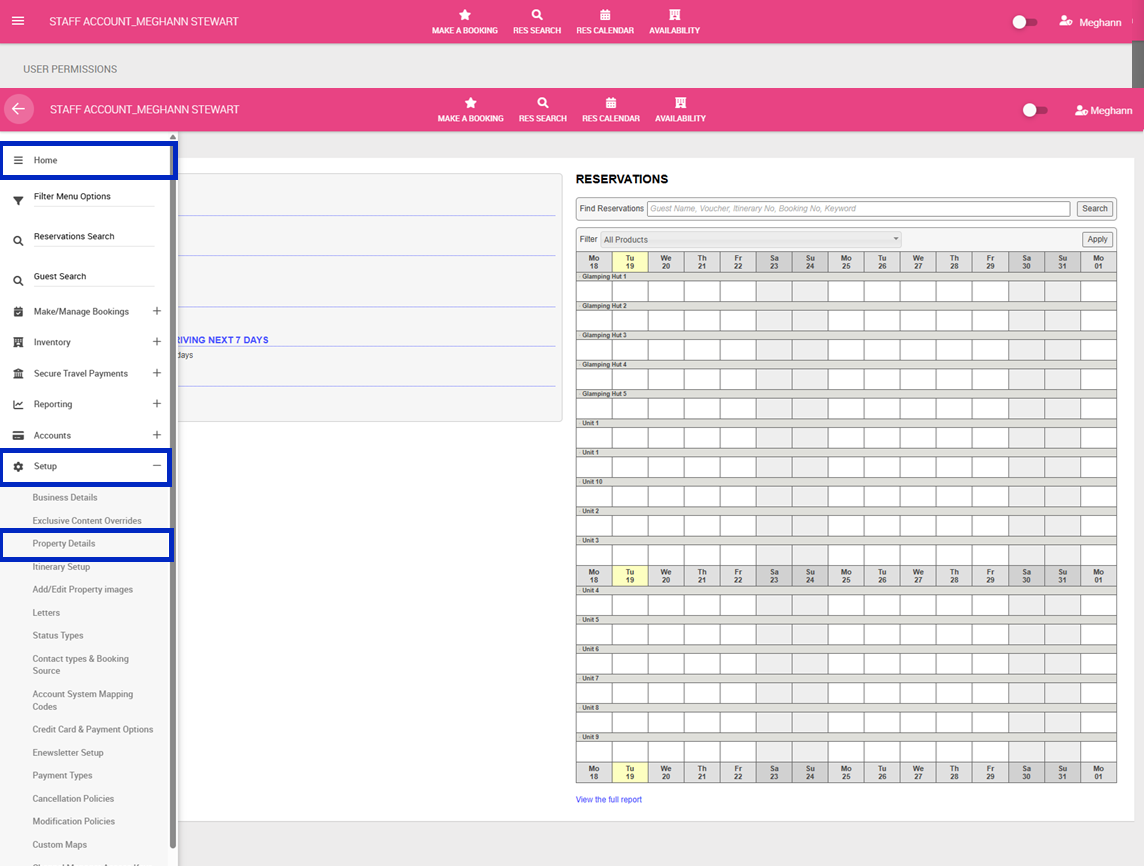
1. Navigate to the left-hand menu (3 lines in the top left hand corner)
2. Click Setup > Property Details
3. Complete the form as desired (explanations provided in system)
Note: Information will pull through from the Business Details tabs for; Tourism Accreditation, Star Rating, General Terms and Conditions
4. Click Save